An IP address, short for Internet Protocol address, is a fundamental part of how devices communicate on the internet and local networks. But not all IP addresses are valid.
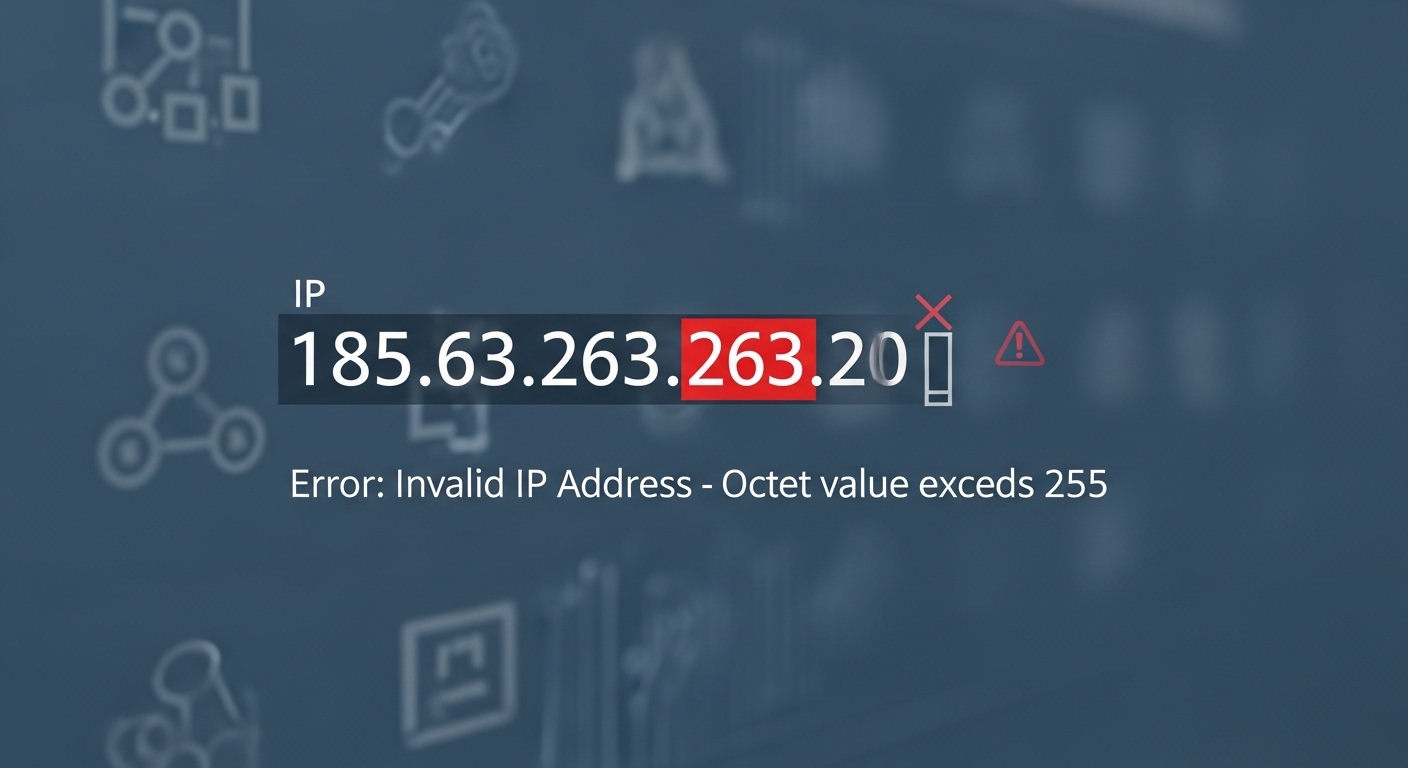
For example, 185.63.263.20 is often searched online, yet it contradicts the basic rules of IPv4 address formatting. This article explains in depth what an IP address is, how they are structured, why 185.63.263.20 is technically invalid, and how understanding valid IPs can help troubleshoot everyday network problems.
What Is an IP Address?
An IP address is a unique numerical label assigned to each device connected to a computer network that uses the Internet Protocol for communication. Think of it like a postal address for your device on the internet.
Every website you visit, every app you use online, and every device on your network has an IP address, enabling devices to locate and communicate with each other.
IPv4 Addressing Rules
The most common format in daily use today is IPv4, which stands for Internet Protocol version 4. IPv4 addresses use a 32‑bit numerical system that appears in four segments separated by dots, e.g.
192.168.1.1
Each section between dots is called an octet.
Valid IPv4 Rules:
1. Each octet must be a whole number
2. Each octet must fall between 0 and 255
3. There are four total octets in an IPv4 address
Examples of valid IPs:
-
8.8.8.8
-
185.63.25.10
-
172.16.0.1
Because each octet must stay between 0–255, anything above this range becomes invalid. That’s why 185.63.263.20 is not a valid IPv4 address.
Why is 185.63.263.20 Invalid?
When we look at:
185.63.263.20
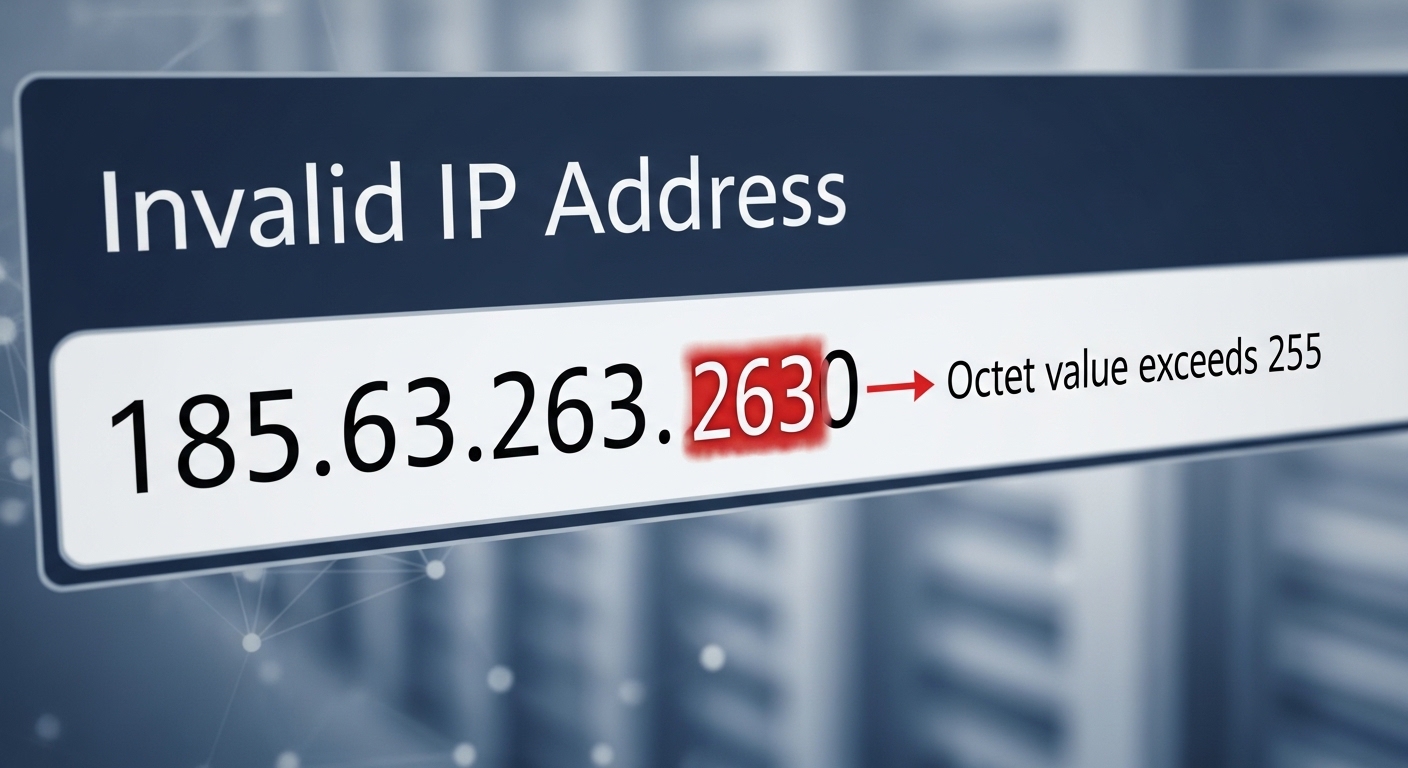
The third number 263 breaks the rules.
Why?
-
IPv4 octets only allow values from 0 to 255
-
No number greater than 255 can be part of a valid IP
-
Therefore, 263 cannot exist in an IP label
This means the address 185.63.263.20 cannot exist on any network public or private.
It might appear in error messages, logs, or user queries due to:
-
Typing mistakes
-
Misconfigured scripts
-
Bad database entries
-
Incorrect networking documentation
Although invalid, discussing it teaches us how IP addressing works and how to identify formatting issues.
Understanding IP Address Structure
Octets and Binary
An IPv4 address is not random it’s based on binary math.
Every octet has 8 bits, so:
8 bits × 4 octets = 32 bits total
00000000 → 00000001 → … → 11111111
(0 → 1 → … → 255)
So each octet is a number from 0 to 255.
This is why 263 is impossible 263 in binary would require 9 bits, which fits outside IPv4’s 8‑bit structure.
Public vs Private IPs
IP addresses can be.
Public:
Used on the open internet, assigned by global registries
Example: 185.63.25.10
Private:
Used within local networks (home or office)
Examples: 192.168.1.1, 10.0.0.1
Even inside private networks, the rule for validity remains octets must be between 0 and 255.
Real IP Examples in the 185.63.x.x Range
Although 185.63.263.20 is invalid, the 185.63.x.x network range does include valid addresses.
For example:
-
185.63.1.1
-
185.63.25.40
-
185.63.200.99
These can be real public IPs owned by organizations, data centers, hosting companies, or web services.
The fact that searches include “185.63.263.20” often means users are trying to reference a real network entity but have mistyped it.
How IP Addresses Are Assigned
IP addresses are assigned through a layered system:
Internet Registries (RIRs)
Five global registries control blocks of IP addresses:
| Region | Registry |
|---|---|
| North America | ARIN |
| Europe, Middle East, Central Asia | RIPE NCC |
| Asia Pacific | APNIC |
| Latin America | LACNIC |
| Africa | AfriNIC |
These registries allocate ranges to ISPs and organizations.
So, valid ranges like 185.63.x.x might be registered to a company but never 263.
Dynamic vs Static IPs
Dynamic IPs assigned temporarily by your ISP
Static IPs reserved for specific devices or servers
Dynamic IPs often change and are commonly used for home internet.
Static IPs are used for:
-
Servers
-
Business networks
-
Databases
-
Hosting services
In any case, validity rules apply static or dynamic.
Common Reasons for Invalid IP Addresses
Places you might see invalid IPs like 185.63.263.20:
1. Typing Errors – human input mistakes
2. Database Corruption – bad records in a system
3. Script Bugs – software that generates IPs incorrectly
4. Copy‑Paste Errors – incorrect information transfer
5. Misconfigured Servers – incorrect settings in network tools
In networking, recognizing invalid addresses allows faster troubleshooting.
How Users Encounter Invalid IP Issues
Users might see invalid IPs when:
-
Trying to connect to a mistyped server address
-
Entering network configurations manually
-
Importing settings from scripts or config files
-
Reading firewall logs or security reports
When a system tries to use 185.63.263.20, it will fail immediately because it’s not a valid IPv4 destination.
Troubleshooting Invalid IP Problems
Check Octet Boundaries
Ensure each part is 0-255.
-
185 → OK
-
63 → OK
-
263 → Replace with ≤ 255
Validate Format
An IPv4 must have four parts.
Example: 192.168.0.15
Anything with more or fewer parts is invalid.
Test with Ping
Ping valid IPs to ensure connectivity:
Invalid ones will never respond.
Correct in Config Files
Check routers, servers, firewalls for mistyped addresses.
The Role of IP Addresses in Networking
IP addresses are essential for:
1. Routing traffic
2. Hosting websites
3. Identifying devices
4. Security policies
5. Remote access
Without valid IPs, the internet as we know it would not exist.
Why Understanding IPs Matters
Understanding valid vs. invalid IPs helps:
-
Network administrators fix issues faster
-
Students learn essential IT fundamentals
-
Developers avoid bugs in code
-
Businesses keep systems secure
An invalid address like 185.63.263.20 becomes a teaching opportunity.
Common Misconceptions about IP Addresses
All IPs are random
Not true, they follow strict structural rules.
IP addresses do not change
Dynamic IPs change frequently.
Private IPs can be used on the internet
They cannot, only public IPs are routable online.
Conclusion
Although the specific address 185.63.263.20 is invalid due to basic IPv4 rules, it serves as a useful example to understand how IP addressing works, why structure matters, and how networking systems rely on precise, standardized formats.
From home Wi‑Fi to global data centers, valid IP addresses are the backbone of the internet. Knowing how to read, validate, and troubleshoot IP information empowers you to solve problems, configure systems effectively, and comprehend the infrastructure that connects devices worldwide.
Frequently Asked Questions
1. Is 185.63.263.20 a real IP address?
No, because 263 is outside the allowed 0–255 range for IPv4 octets.
2. What is an IP address?
An IP address is a numerical label that identifies a device on a network.
3. Why do some IPs start with 185.63?
Those belong to valid IP blocks assigned by internet registries to organizations or ISPs.
4. How can I check if an IP is valid?
Ensure it has four octets (0–255 each). Tools like ping or IP validators can help.
5. What’s the difference between IPv4 and IPv6?
IPv4 uses four numbers; IPv6 uses eight groups of hexadecimal numbers, a newer system due to IPv4 exhaustion.
6. Can invalid IPs cause network issues?
Yes, they lead to failed connections, configuration errors, and often silent failures.
7. Where do IPs come from?
Global registries allocate ranges to ISPs, businesses, and organizations.